
Basic Computer & Microsoft Office Training
About the Course
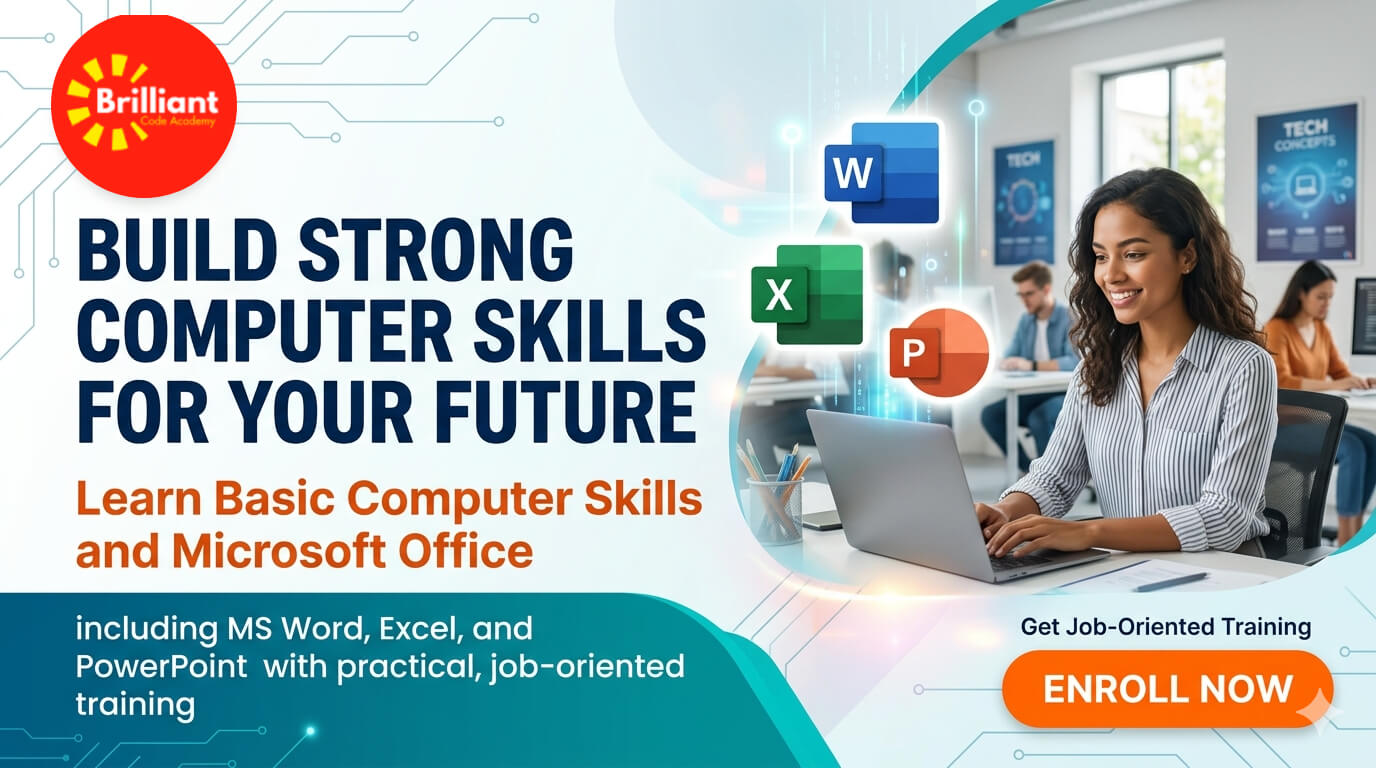
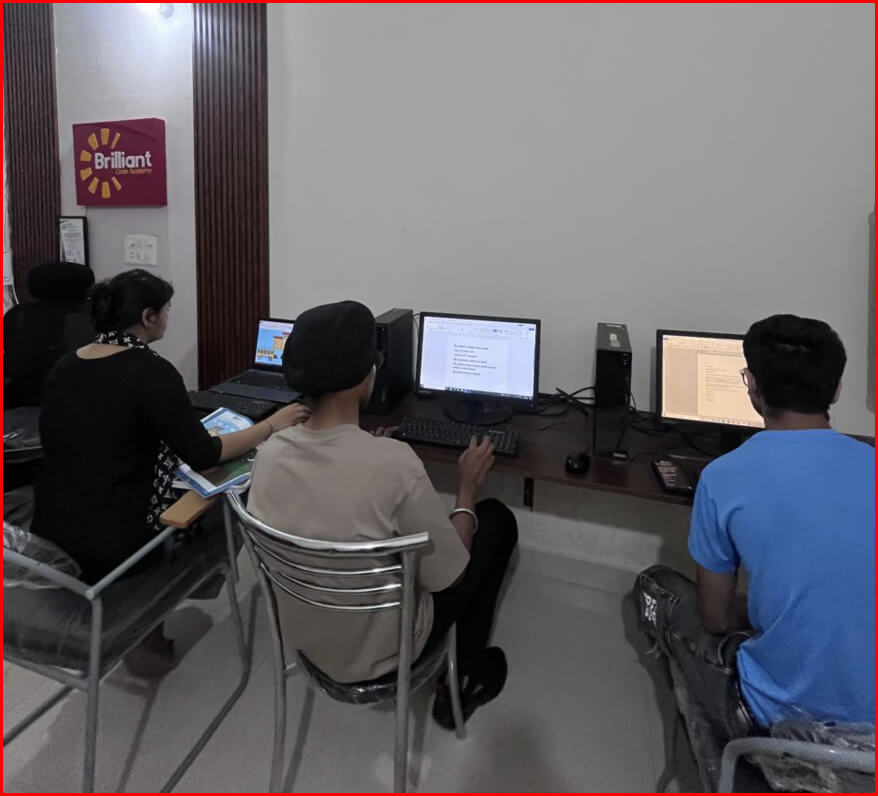
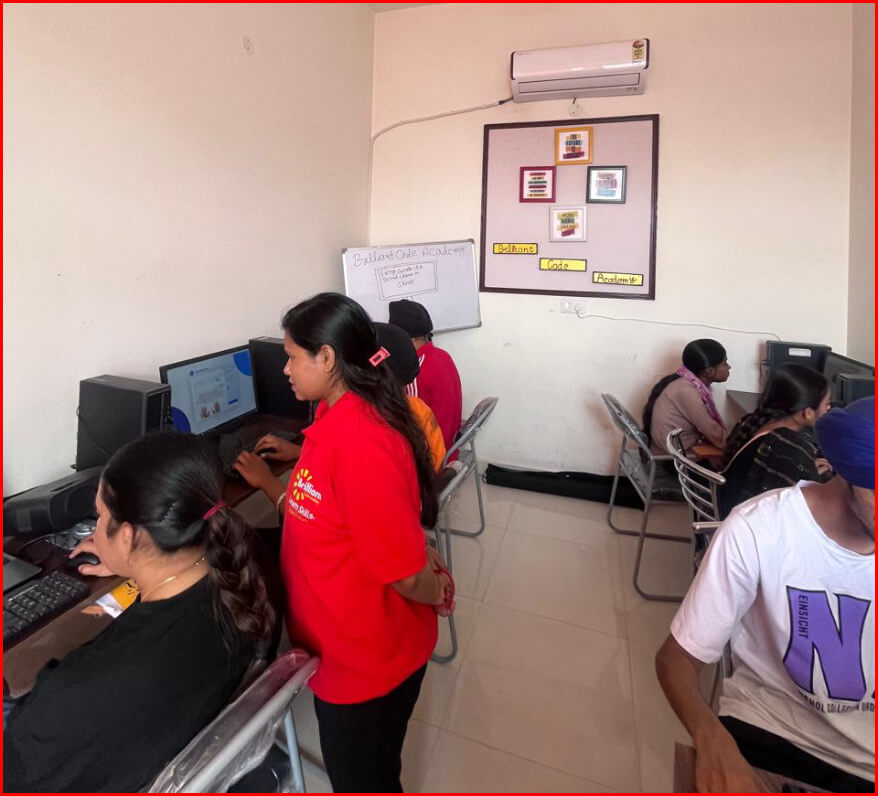
This course is designed to help you build a strong foundation in computer fundamentals and office productivity tools. Whether you are a beginner or want to improve your skills, this training will make you confident in using computers for daily and professional work.
You will learn everything from basic computer operations to advanced usage of Microsoft Office tools with practical training.
What You Will Learn
Basic Computer Skills
- Introduction to Computers
- Operating System (Windows)
- File & Folder Management
- Internet & Email Usage
- Typing Practice
MS Word
- Document creation & professional formatting
- Resume, letter & application writing
- Page setup, margins & layouts
- Tables, images & shapes insertion
- Headers, footers & page numbering
- Mail merge (bulk letters/certificates)
- Spell check & document review tools
MS Excel
- Data entry & worksheet management
- Basic & advanced formulas (SUM, IF, VLOOKUP)
- Charts & data visualization
- Sorting, filtering & data analysis
- Creating reports & dashboards
- Conditional formatting
- Basic data validation
MS PowerPoint
- Presentation design & slide creation
- Themes, templates & layouts
- Animations & slide transitions
- Inserting images, charts & videos
- SmartArt & infographics
- Slide show setup & presentation skills
- Professional business presentations
Course Duration
- Duration: 4 to 5 Months
- Mode: Offline / Online
- Level: Beginner to Intermediate
Who Can Join?
- School & College Students
- Job Seekers
- Office Workers
- Housewives
- Beginners (No prior knowledge required)
Career Opportunities
After completing this course, you can apply for:
- Computer Operator
- Data Entry Operator
- Office Assistant
- Back Office Executive
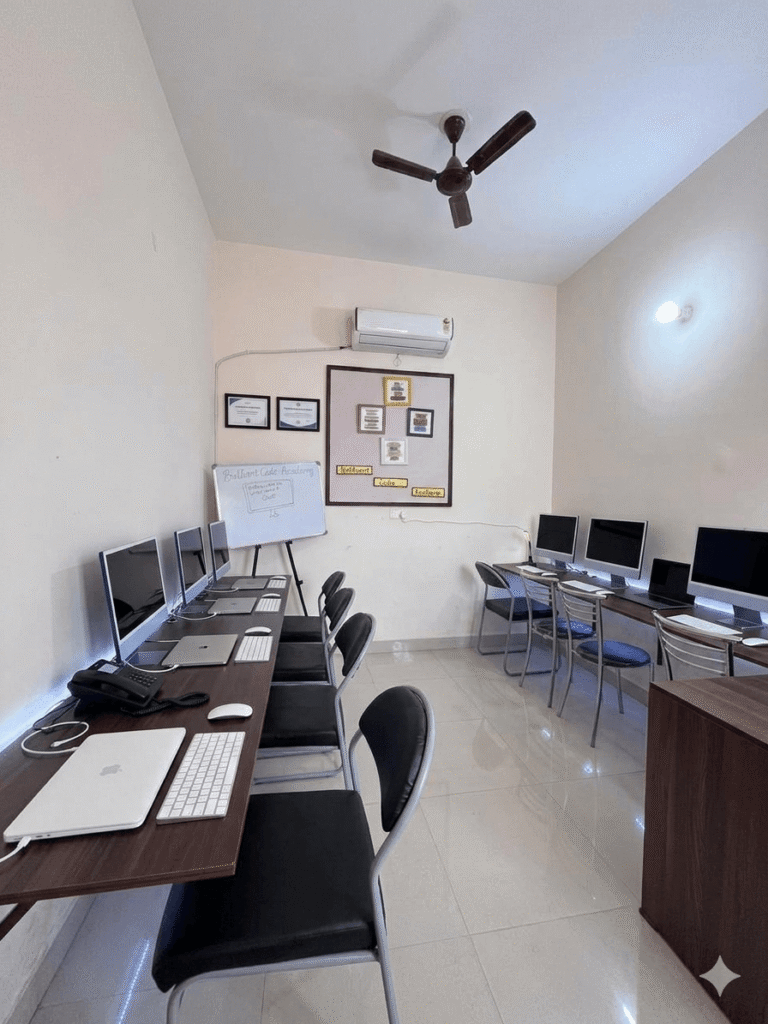
Right-side image is created using AI. We will also teach you how to do this in the course—absolutely free.
Why Choose Brilliant Code Academy?
- 100% Practical Training
- Experienced Trainers
- Job-Oriented Curriculum
- Certificate after Completion
- Affordable Fees
- Small Batch Size (Personal Attention)
Certification
Get a Course Completion Certificate from Brilliant Code Academy, a skill enhancement training centre registered under MSME (Government of India).
FAQs
Do I need prior computer knowledge?
No, this course is for complete beginners.
Will I get a certificate?
Yes, you will receive a certificate after course completion.
Is this course job-oriented?
Yes, we focus on practical and job-ready skills.